Free & Open Source

See your webpage
the way AI does.

AI EYE Inspector reveals semantic structure, heading hierarchy, and accessibility signals — exactly how AI crawlers, LLMs, and screen readers interpret your pages.

Version  ·  Same zip works for both browsers

What it shows you

One click reveals the full semantic picture of any page.

Semantic Highlights

36 semantic HTML elements outlined directly on the page with color-coded labels — article, nav, aside, figure, and more.

Heading Hierarchy Tree

Visual H1–H6 tree with structure warnings — missing H1, skipped levels, multiple H1s. Click any node to scroll straight to it.

Accessibility Checker

Flags missing alt text, unlabeled form controls, buttons with no accessible name, and generic link text — instantly.

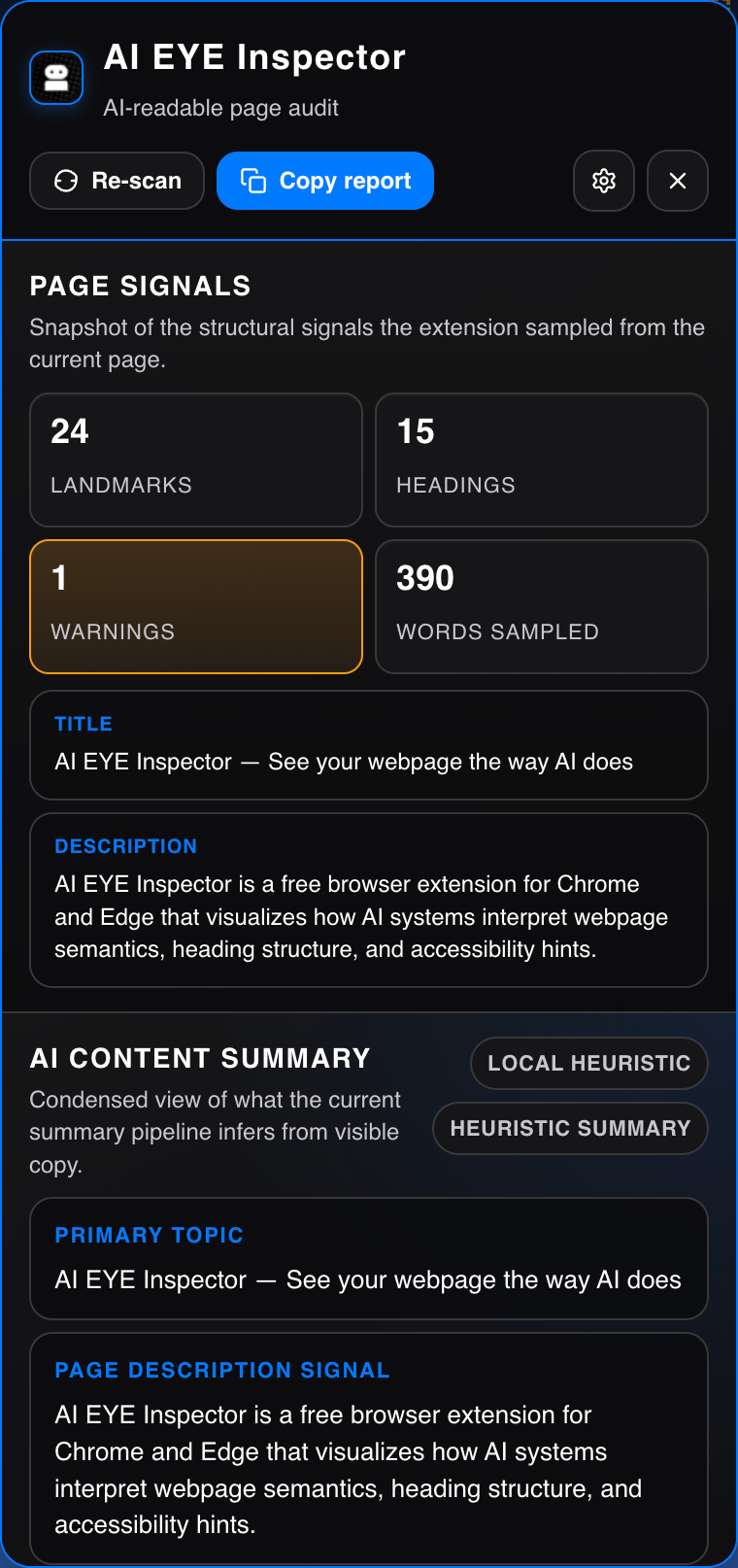
AI Content Summary

Summarise page content via OpenAI, a local Ollama model, or the built-in offline heuristic — no API key required to get started.

Copyable JSON Report

One-click copy of a machine-readable page analysis — perfect for pasting into audits, tickets, or AI prompts.

Zero Tracking, Fully Local

No telemetry, no page-content storage. Everything runs in your browser. API calls only happen when you explicitly configure a provider.

Install in 3 steps

Both Chrome and Edge support unpacked extensions via Developer Mode. No store required — the same zip file works for both browsers.

  1. Download the extension

    Click the button below to download the .zip file, then unzip it to a permanent folder on your computer (e.g. ~/extensions/ai-eye). Do not delete this folder after installing.

    Download
  2. Enable Developer Mode in Chrome

    Open the extensions page in a new tab, then toggle on Developer mode using the switch in the top-right corner.

    Paste this URL into your Chrome address bar and press Enter. Developer mode lets Chrome load extensions directly from a folder on your machine.
  3. Load the unpacked extension

    Click Load unpacked, then select the folder you unzipped in Step 1. AI EYE Inspector will appear in your extensions list and toolbar immediately.

    After any update, re-download the zip, replace the folder contents, then click the refresh icon on the extension card.